
Learn how to leave a Train Lens session when training is finished or when your trainer asks you to exit.
Leave the session when the training is complete or when your trainer tells you that you can exit.
If you are still sharing your screen, you may stop sharing before leaving so you can clearly see that sharing has ended.
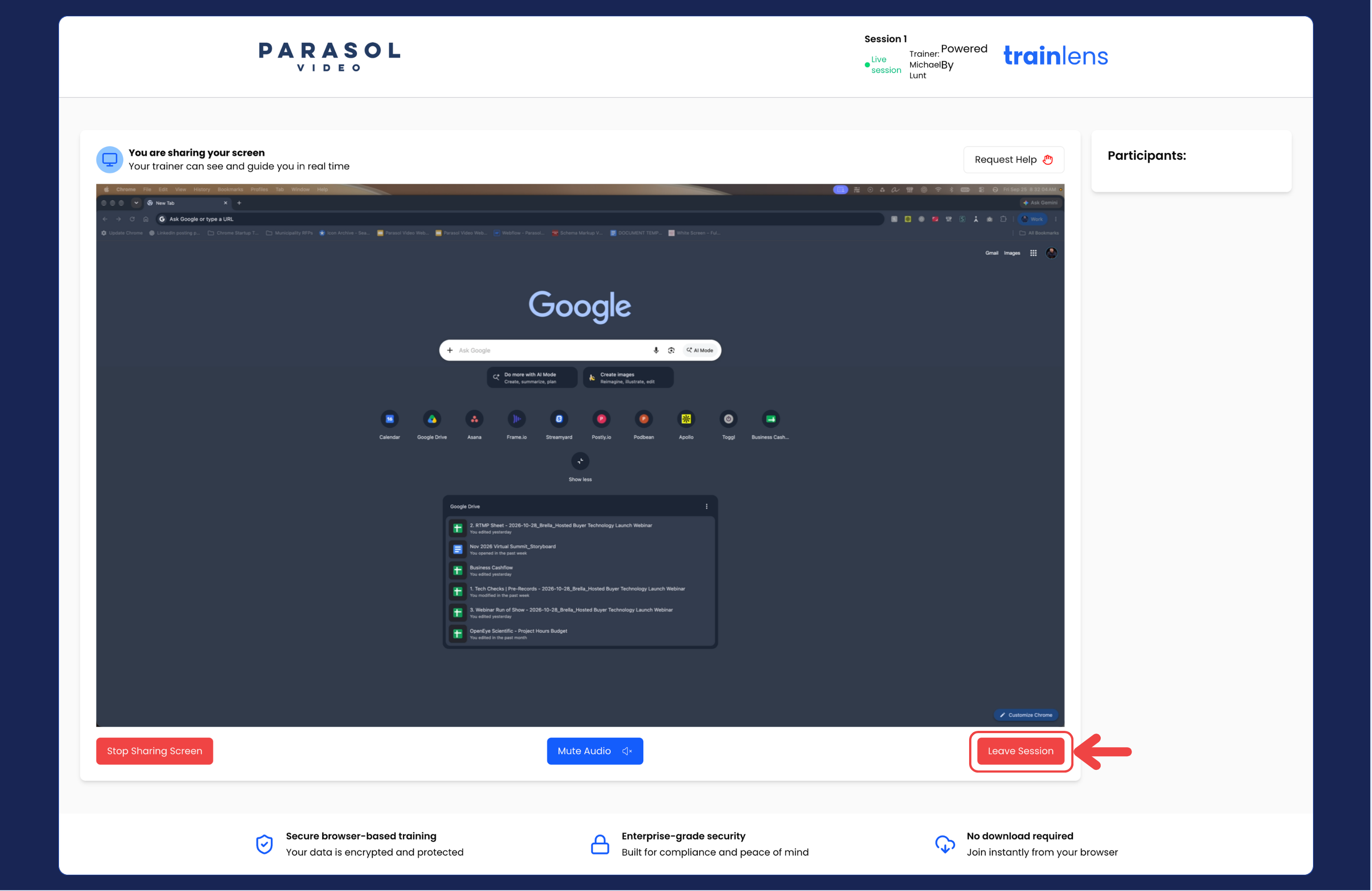
After leaving, Train Lens should no longer be using the live session controls. If your browser still shows a screen-sharing or microphone indicator, use the browser's own controls to stop access and tell your trainer if anything appears unusual.
If the training session is still running and your trainer expects you to return, open the original session link again and follow the normal joining process.
If the trainer wishes, they can close the session on their end. If that happens you will be removed from the active training session, your screen sharing and your microphone will be deactivated, and you will be returned to the pre-entry screen.
Once you have left the session and any browser sharing indicators have ended, you can close the Train Lens tab unless your trainer has given you other instructions.
Contact us anytime at
contact@trainlens.com