01
See the request
Notice when a trainee asks for help and identify who needs support without interrupting the exercise.

Give one trainee focused guidance without turning their question into a discussion for the entire group. Train Lens helps trainers understand the work on screen, provide support in context, and keep the rest of the cohort moving.
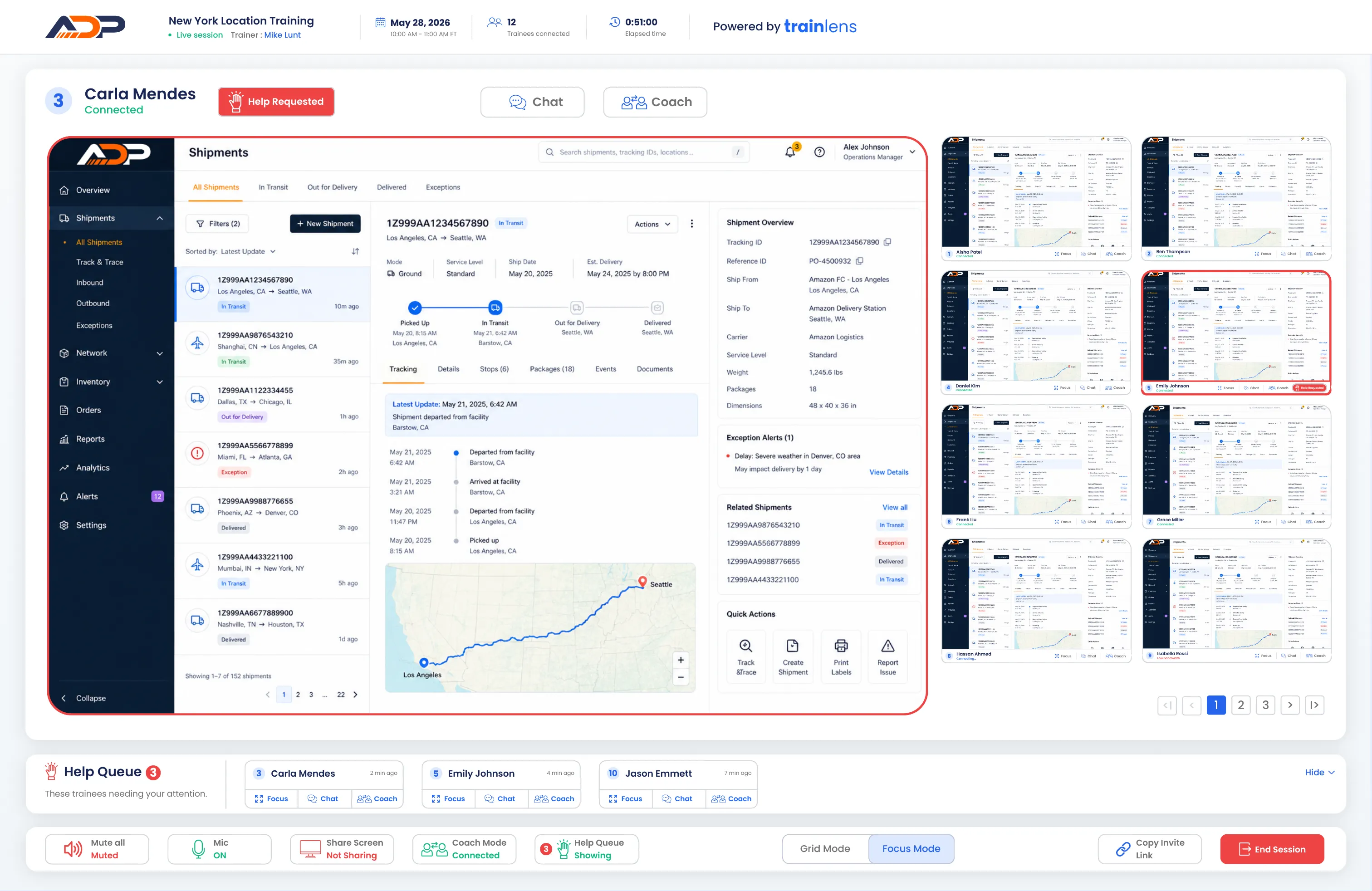
A trainer can follow the entire cohort, identify where support is needed, and then open a closer view of one trainee’s shared screen. This makes it possible to provide individual guidance without losing awareness of the wider session.
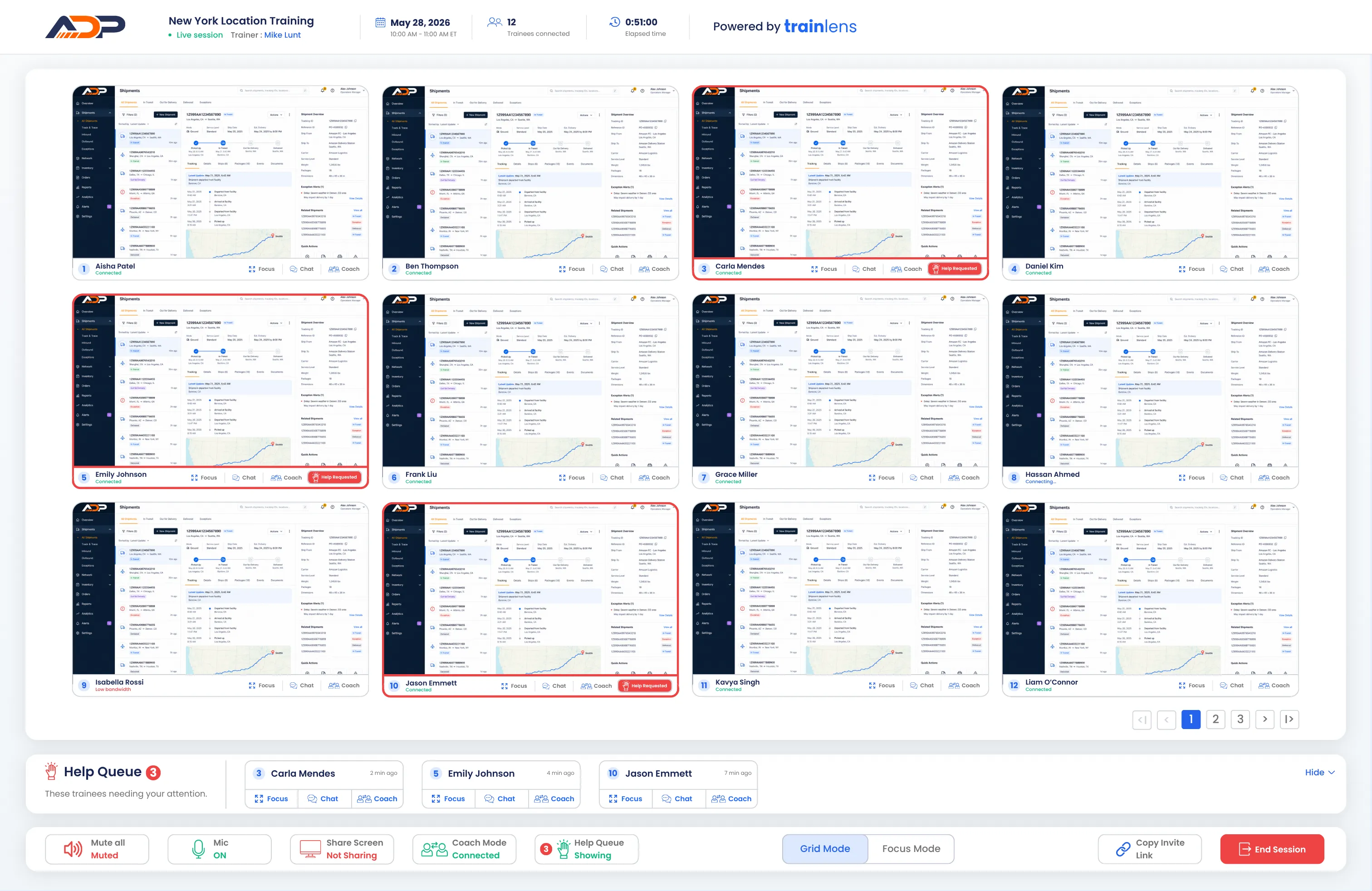
Notice when a trainee asks for help and identify who needs support without interrupting the exercise.
Open the trainee’s shared screen in Focus Mode and see the exact step where they need guidance.
Respond privately while the rest of the cohort continues working through the exercise.

When a trainee needs help, the trainer can review their shared screen before deciding how to respond. A quick clarification may help the entire group, while a more specific question can be handled privately.


Private coaching gives the trainer space to explain a difficult step without placing the trainee’s question or shared screen in front of the entire cohort. Support stays relevant to the trainee while the wider session continues.



Imagine a trainee learning a new order-management system. The rest of the cohort has moved to the next step, but one trainee is unsure how to complete a required field.
The trainee sends a help request. The trainer opens their shared screen in Focus Mode, sees the information already entered, and explains the next step privately. The trainee continues with confidence while everyone else keeps working.
A trainee’s shared screen is visible to the trainer, not to other trainees. Private coaching allows the trainer to provide individual guidance without displaying that trainee’s work to the rest of the group.
Learn how trainers can respond to individual questions while keeping the wider session moving.
Book a personalized demo and see how private coaching fits into your live training workflow.