
See every screen during live software training.
Train Lens gives software trainers one live view of every learner’s shared screen, making it easier to spot errors, answer questions, and coach privately while the class continues.
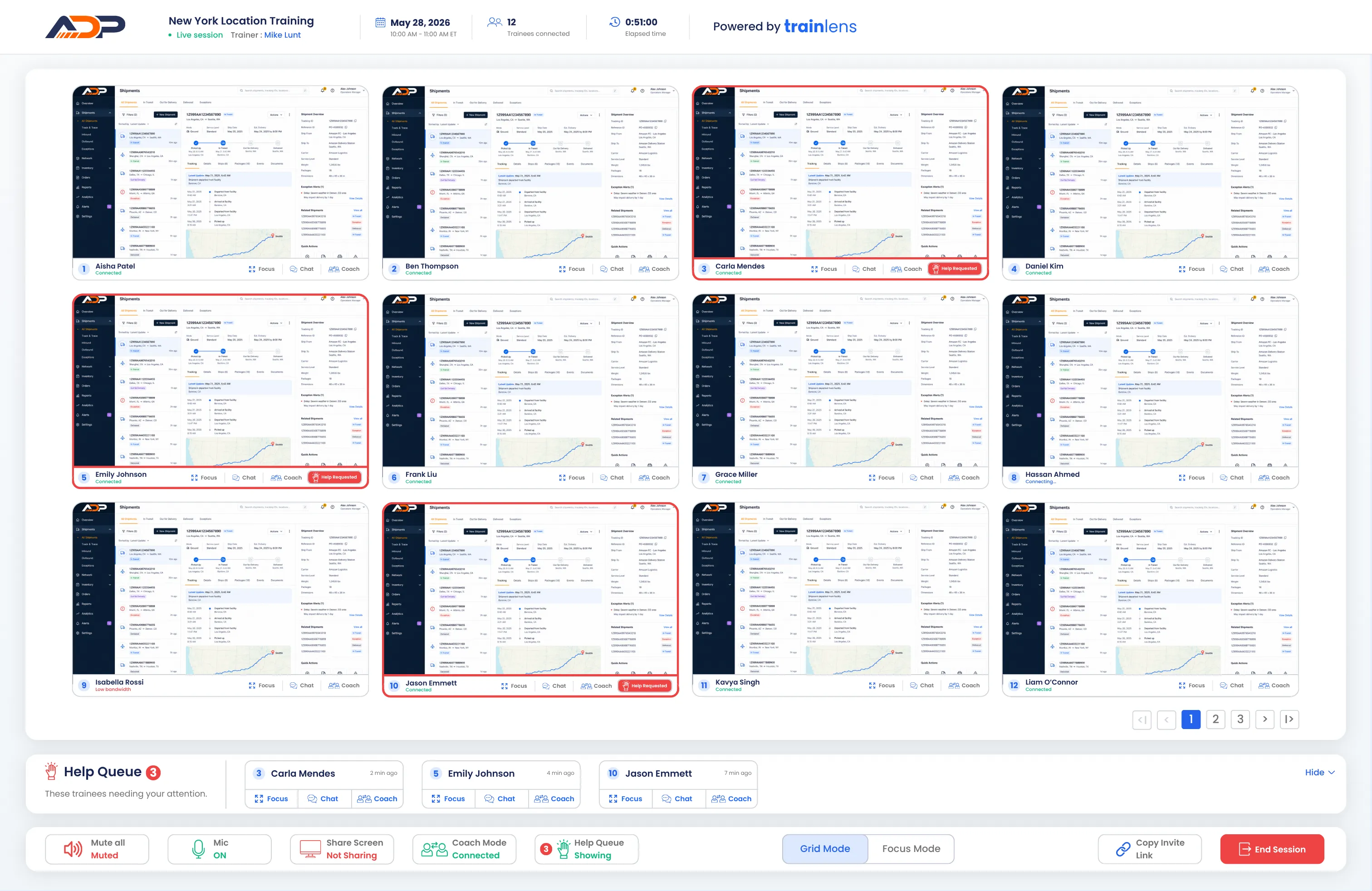
See how every learner is progressing, not just who joined.
Traditional meeting tools show who is present. Train Lens shows how learners are progressing inside the software, so trainers can identify problems and provide support while the work is happening.
Follow every learner’s screen
View every shared screen together and see how the entire class is moving through the software exercise.
Spot errors before they spread
Notice when someone takes a wrong step, falls behind, or needs clarification before confusion compounds.
Coach without stopping the class
Focus on one trainee or begin a private coaching session while the rest of the learners continue working.
Watch learners work inside the software in real time.
Train Lens brings every learner’s shared screen into one trainer view. Follow the class in Grid Mode, and switch to Focus Mode when someone needs support. Respond without losing sight of the group.
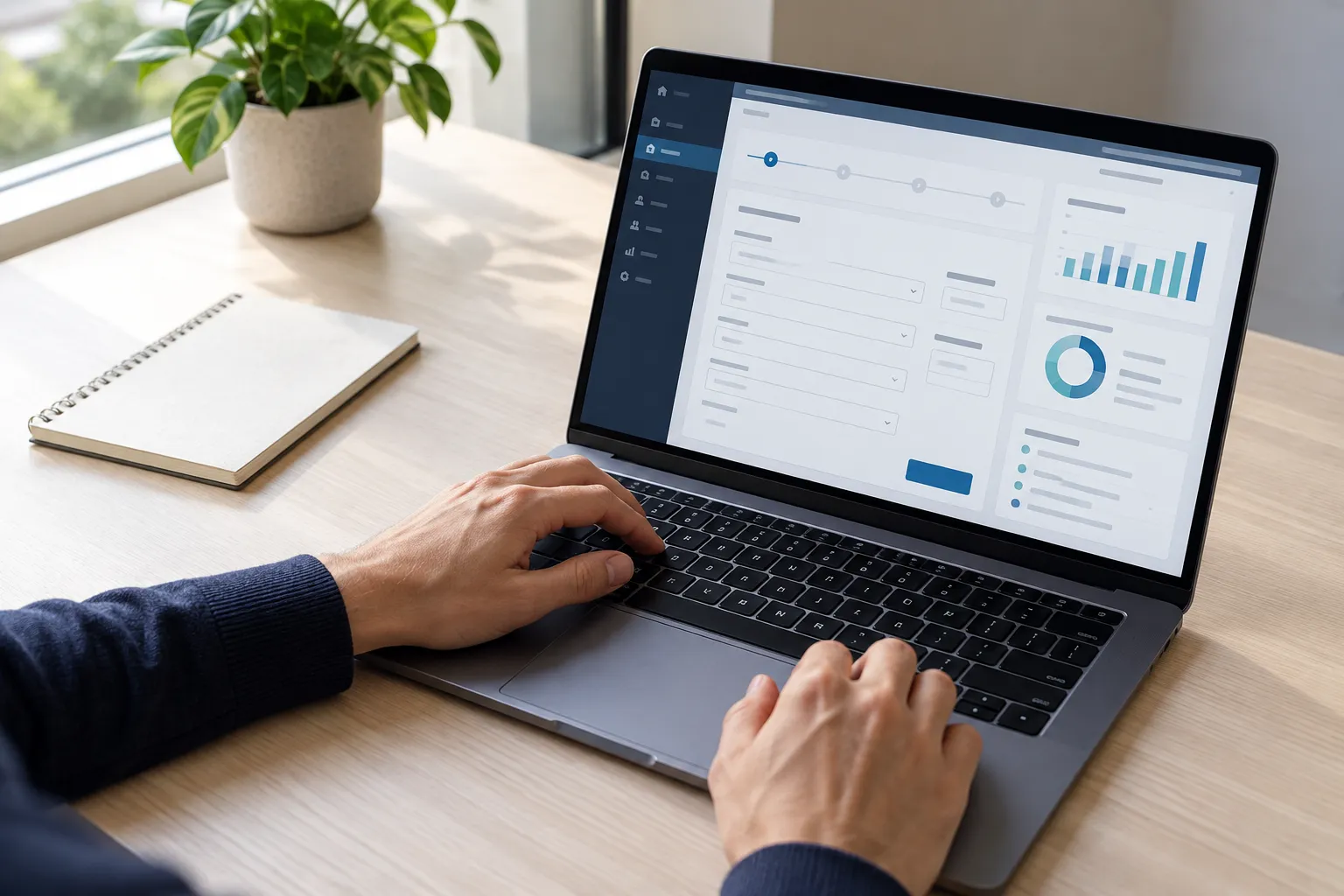
Demonstrate, observe, and support every step.
Demonstrate the process
Share the trainer’s screen with the group and walk learners through the software process they will complete.
Watch learners practice
Move into Grid Mode and follow every shared screen as learners complete the exercise themselves.
Correct errors in context
Open Focus Mode, answer a help request, or begin private coaching while the rest of the class continues.
Watch every learner practice, and support them when it matters.
Book a personalized demo and see how Train Lens can bring greater visibility and more responsive support to your live software training sessions.