
Keep every trainee visible, wherever they are.
Train Lens gives trainers one live view of every trainee’s shared screen, whether people are joining remotely or working together in a training room. Follow progress, answer questions, and provide private support across the entire cohort.
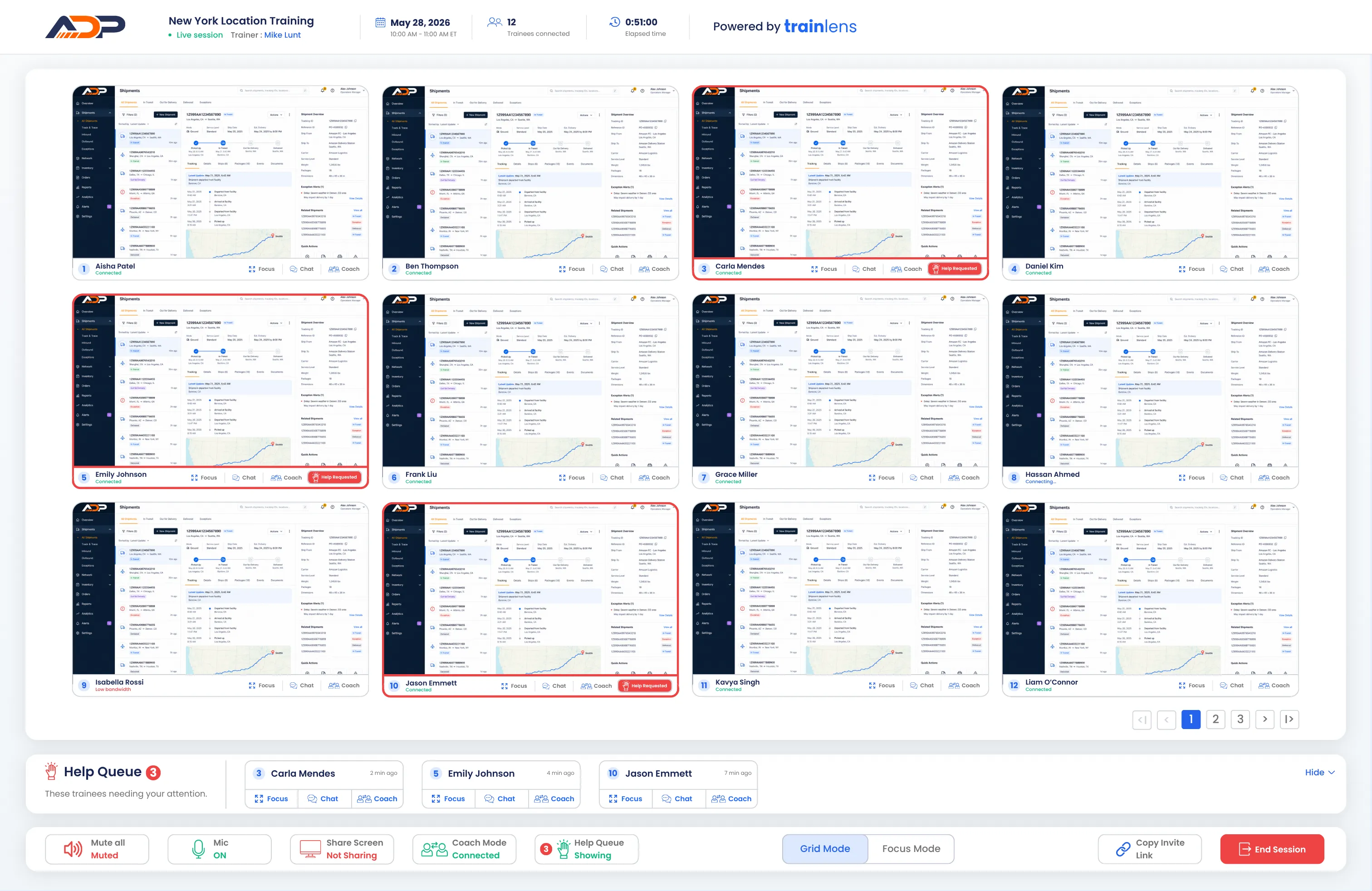
The same visibility and support for everyone.
Bring remote and in-room trainees into one training experience without losing sight of how each person is progressing.

Every screen in one view

Private support from anywhere

No recording or storage

Follow the whole cohort without relying on verbal check-ins.
Remote trainees can be easy to lose track of during hands-on exercises, especially when part of the group is together in a room. Train Lens brings every shared screen into one trainer view, making progress and support needs easier to see.


The trainer sees the cohort. Each trainee keeps a private workspace.
Train Lens brings distributed trainees into one trainer view while keeping each person’s shared screen private from everyone else in the session.


Meeting tools connect locations. Train Lens connects the learning.
Conventional meeting tools make it possible to join the same call. Hands-on remote and hybrid training requires a clearer view of how everyone is progressing, with ways to provide support without exposing individual work or stopping the group.
What distributed training teams need to know.
Learn how shared-screen visibility, privacy, help requests, and trainer-led demonstrations work across remote and hybrid cohorts.
Bring every trainee into view, wherever they work.
Book a personalized demo and see how Train Lens can create a more visible, responsive, and connected training experience across remote and hybrid cohorts.