
From invitation to insight. One connected session.
See how a trainer prepares the experience, brings the cohort together, and supports work in real time without breaking the flow of the session.
One workflow. Four connected moments.
Choose a stage to see how Train Lens supports the trainer and trainee without breaking the flow of the session.
Build the session before anyone joins.
Create the session and prepare one joining link for the entire cohort.
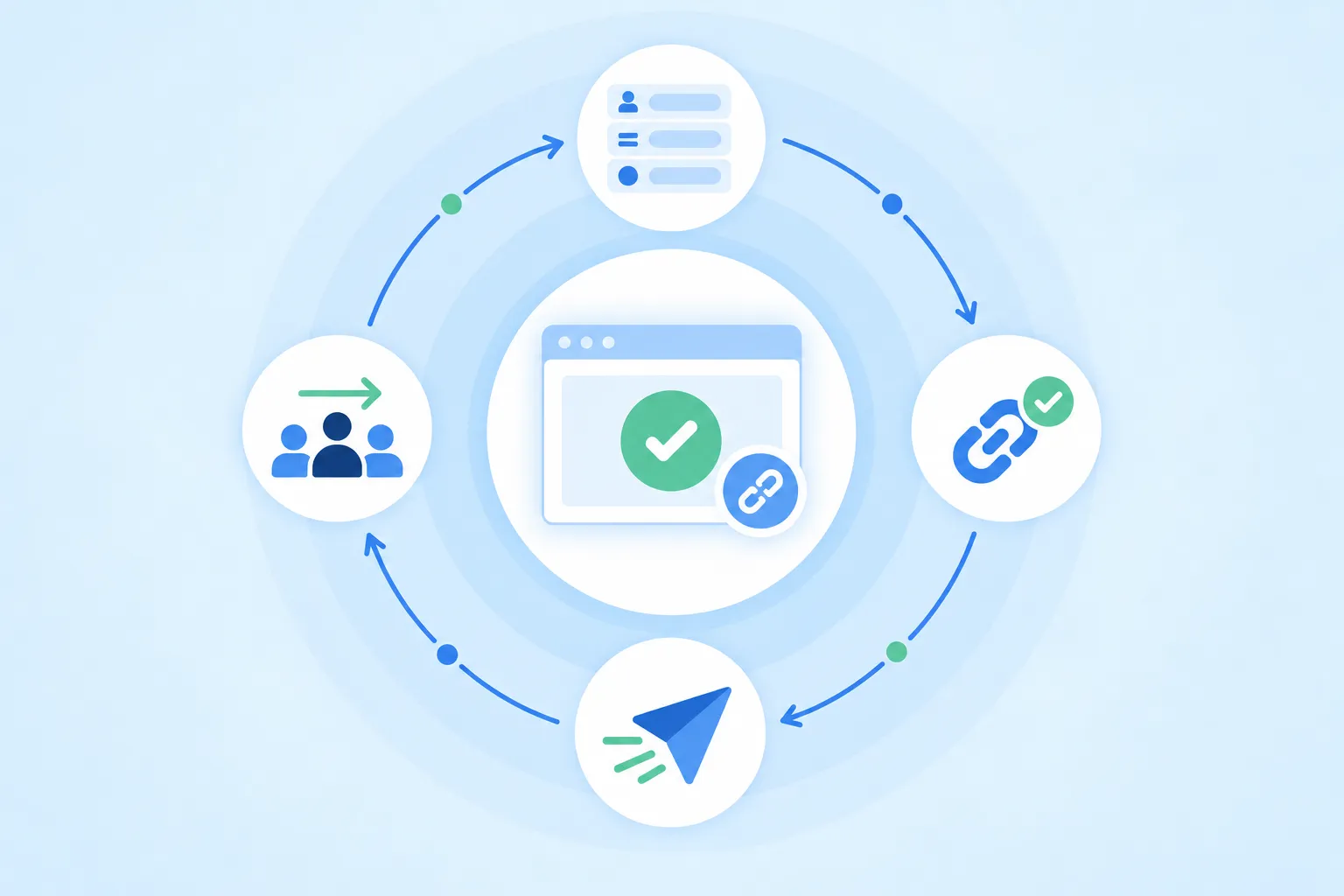
Keep the training experience together.
Session information and joining details stay together instead of being scattered across separate tools.
Bring trainees in without an installation process.
Share one browser-based joining link. Trainees check their display name and audio, then enter the live session without downloading trainee software.
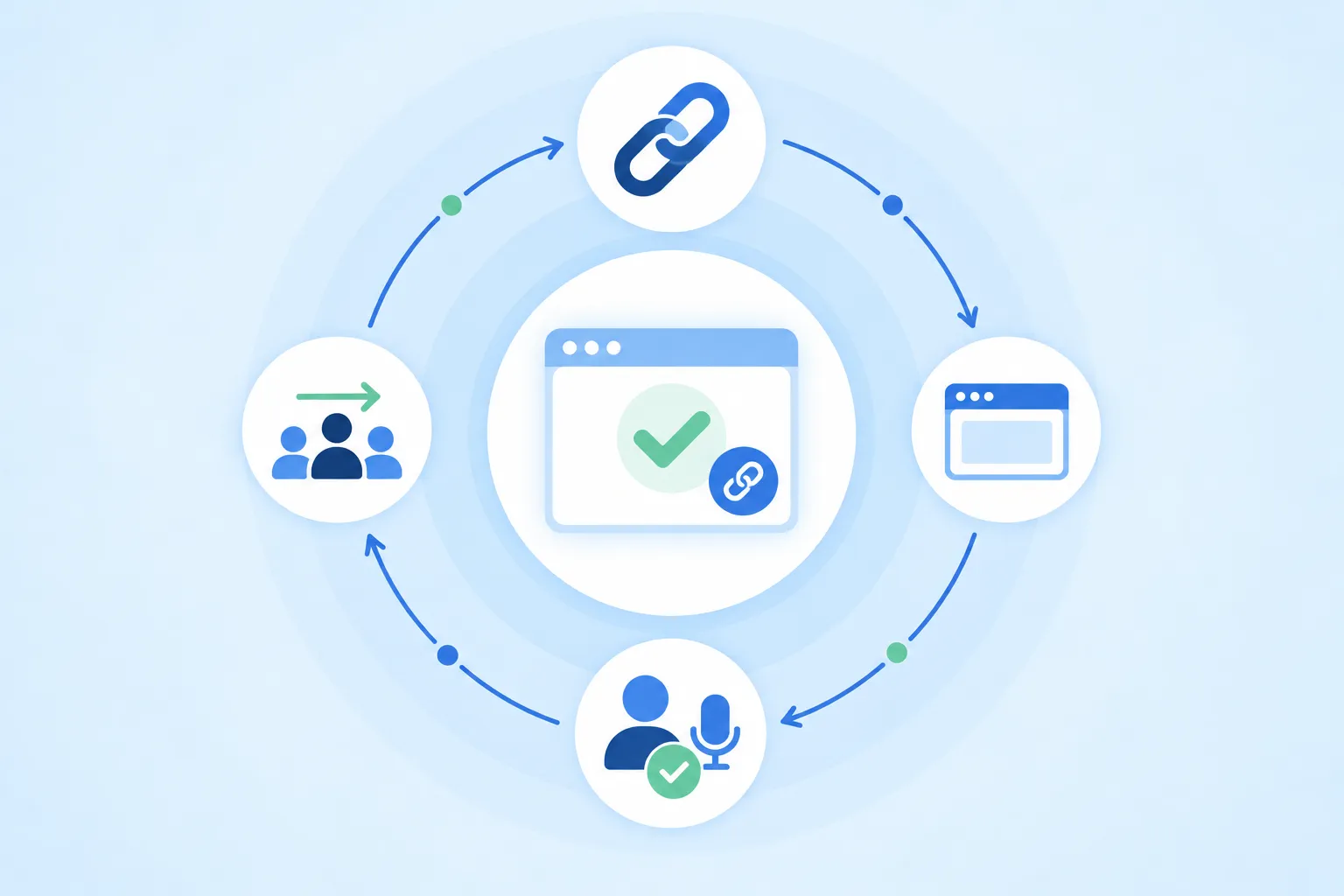
One link for the entire cohort.
The joining experience explains what trainees should expect, including when screen sharing begins and who can see their screen.
See the cohort and respond in real time.
View every trainee screen, notice help requests, move into private coaching, and keep the rest of the group progressing without interruption.
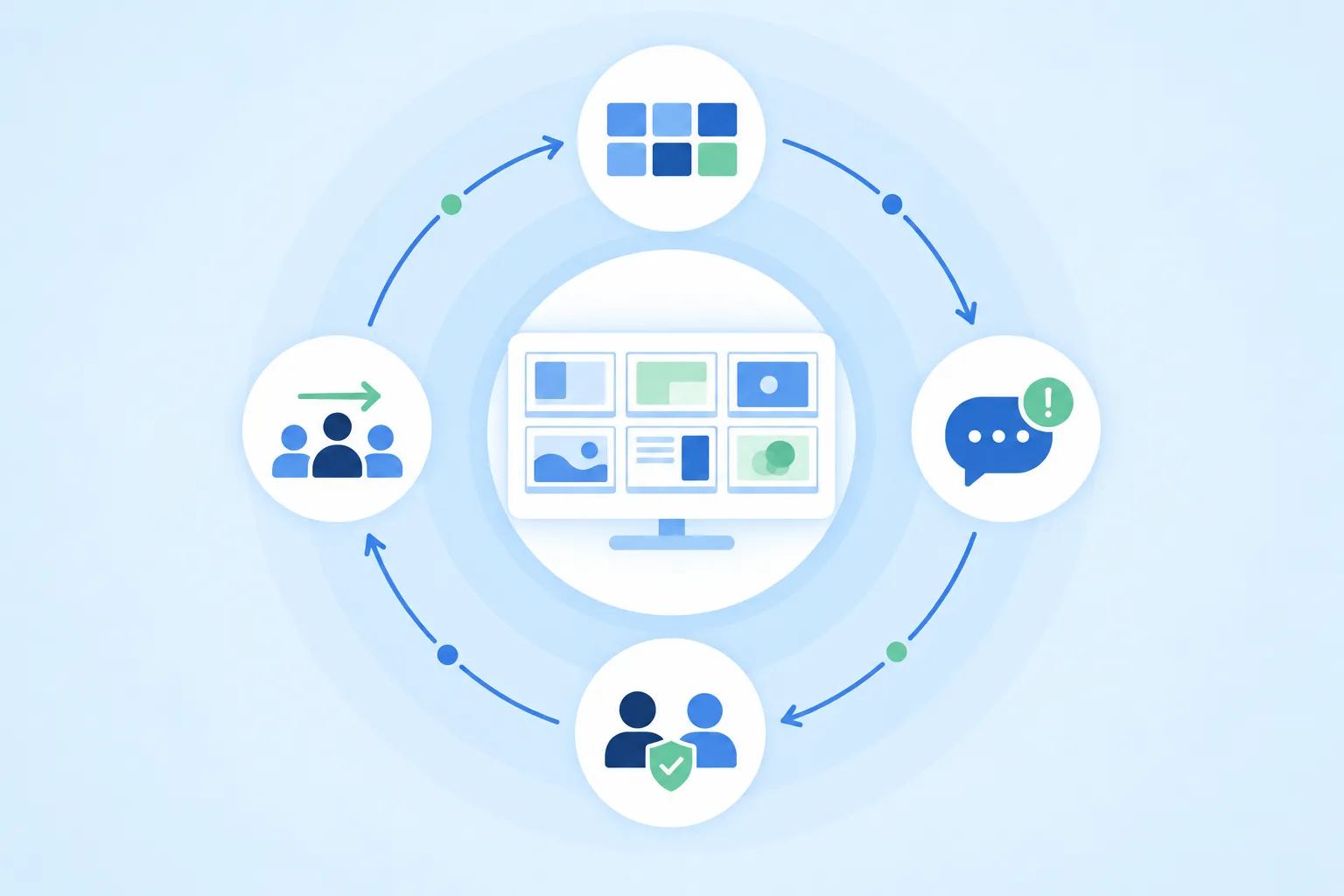
Move from the whole cohort to one trainee.
Grid Mode keeps every trainee visible. Focus Mode brings one trainee forward whenever personalized guidance is needed.
Carry useful context beyond the live session.
Planned reporting tools will connect attendance, participation, help activity, and session outcomes after training.
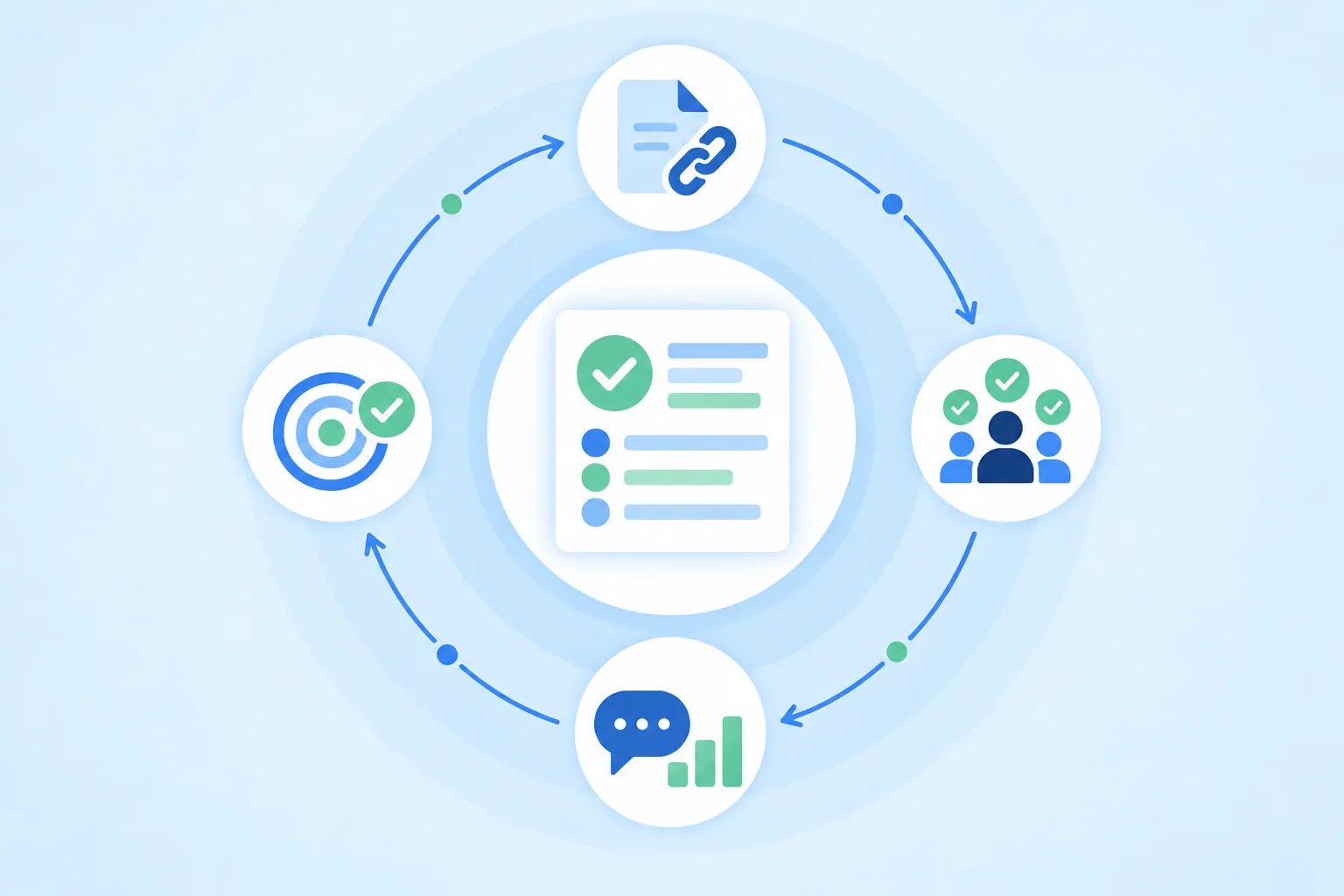
Turn session activity into useful insight.
Planned reports will help trainers and managers review engagement, understand support requirements, and improve future sessions.
What supports the training experience.
People
Trainers and trainees move through one shared experience.
Support
Help requests and private coaching stay in context.
Resources
Planned tools will make supporting materials available before and during training.
Outcomes
Planned reporting will connect attendance and engagement with what happens next.
See the whole session, and support every trainee.
Explore how Train Lens fits your live training workflow.