
What changed
This release resolves several issues affecting how trainers and trainees join sessions, communicate, request help, and understand screen-sharing status.
Fixes included
Trainee names are now required
Trainees must enter their name before joining a session. This prevents unnamed participants from entering the training environment.
Trainee audio is available on entry
We resolved an issue that could cause trainees to be muted when entering a session. Train Lens no longer mutes trainees by default when they join.
Help requests can now be cleared
Trainees can activate a help request when they need assistance and deactivate it when they no longer require support.
Trainer sign-in messaging is now visible
We corrected the font color on the “Trainer already signed in” screen so that the message remains clearly visible against its white background.
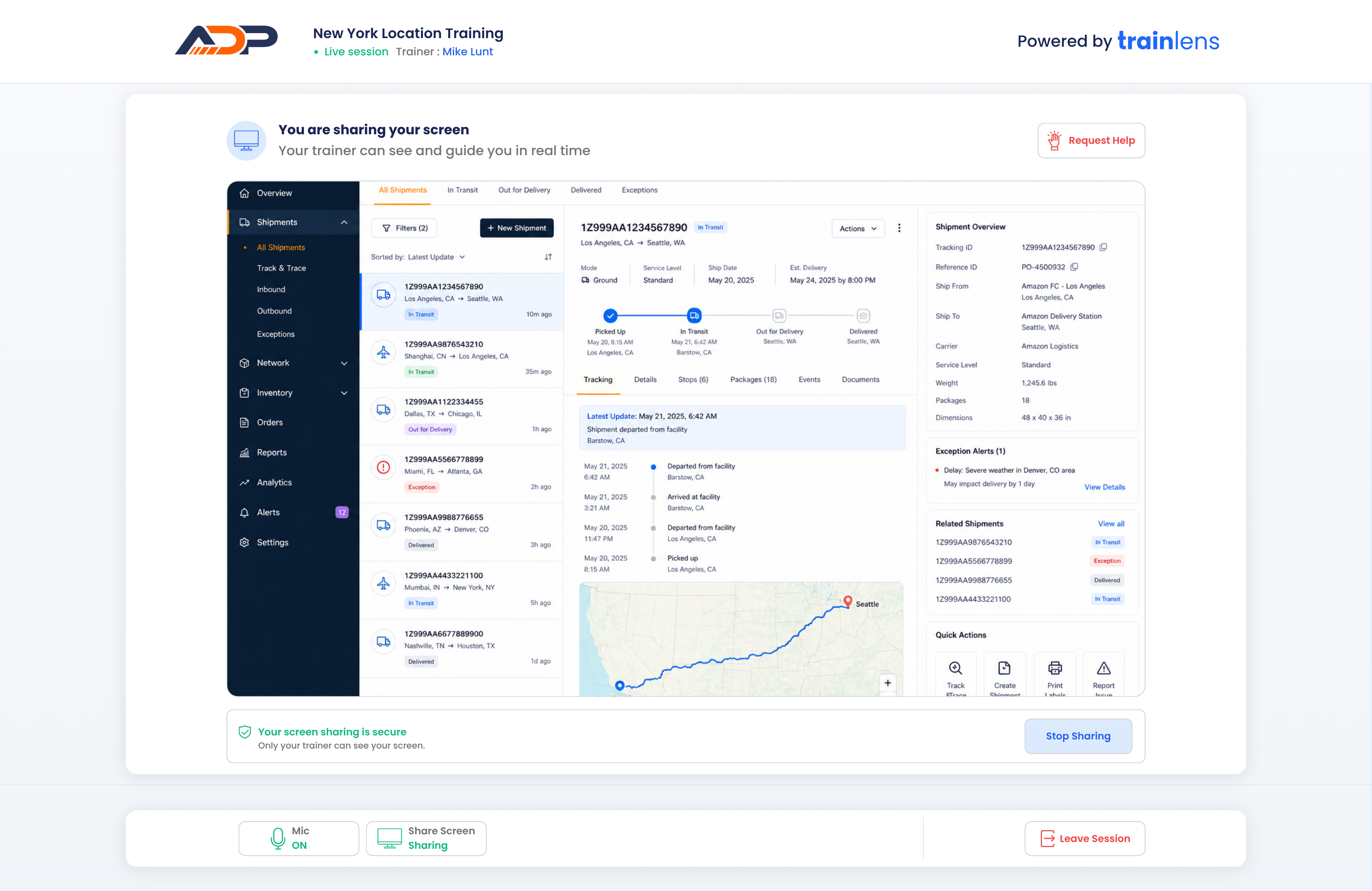
Screen-sharing status now appears at the correct time
The “You are sharing your screen” message now appears only after a trainee begins sharing their screen with the trainer.
What this means for trainers and trainees
These changes create a clearer and more reliable session experience, from joining the session through requesting assistance and sharing a screen.
Do you need to do anything?
No action is required. These fixes are automatically available in Train Lens.