
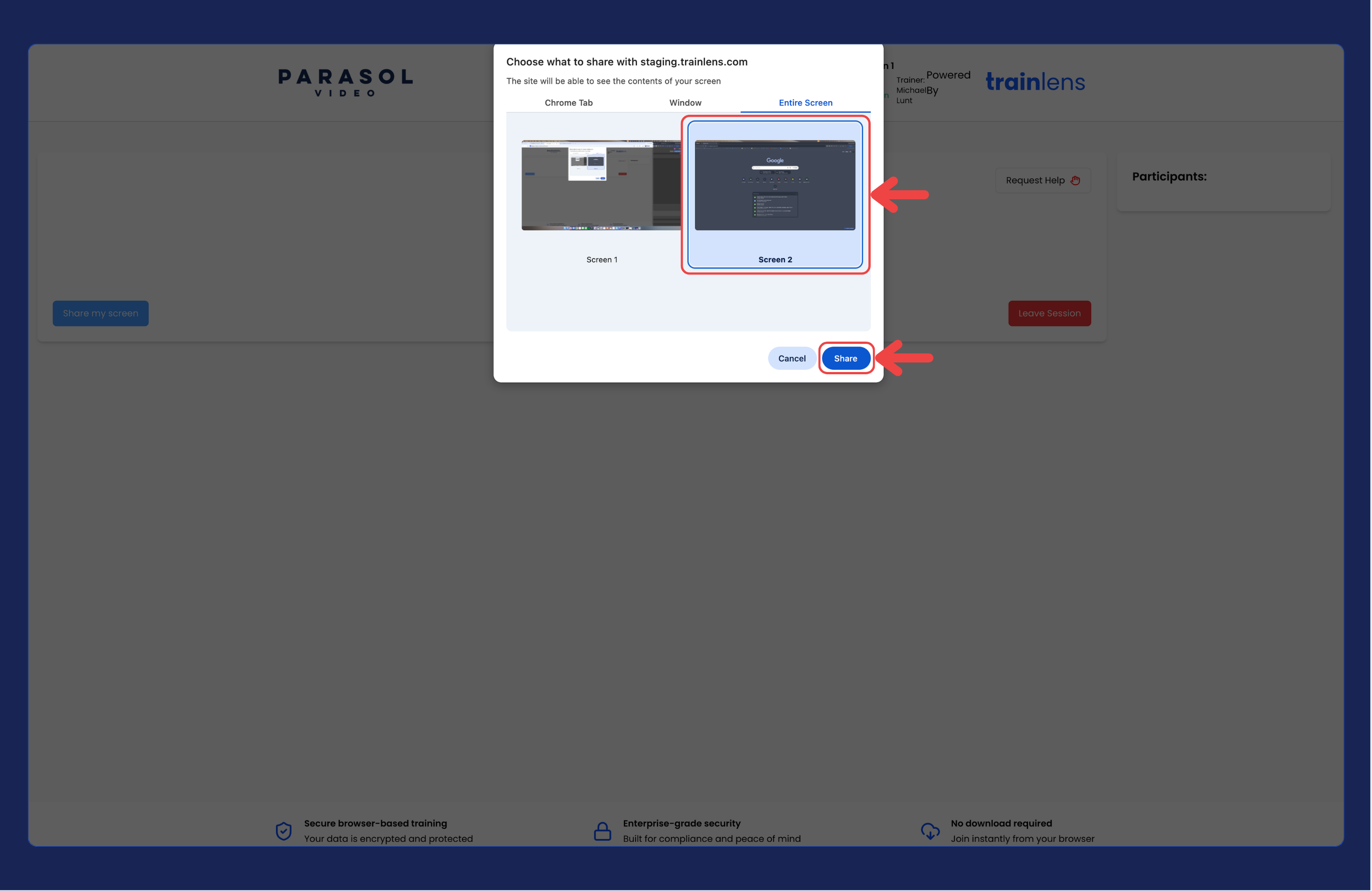
Understand the browser sharing chooser and select the screen, application window or browser tab you want your trainer to see.
When you start screen sharing in Train Lens, your browser opens a separate sharing chooser. The exact wording and layout depend on your browser and operating system.
Train Lens does not decide which of your screens, windows or tabs you select. You make that choice in the browser prompt.
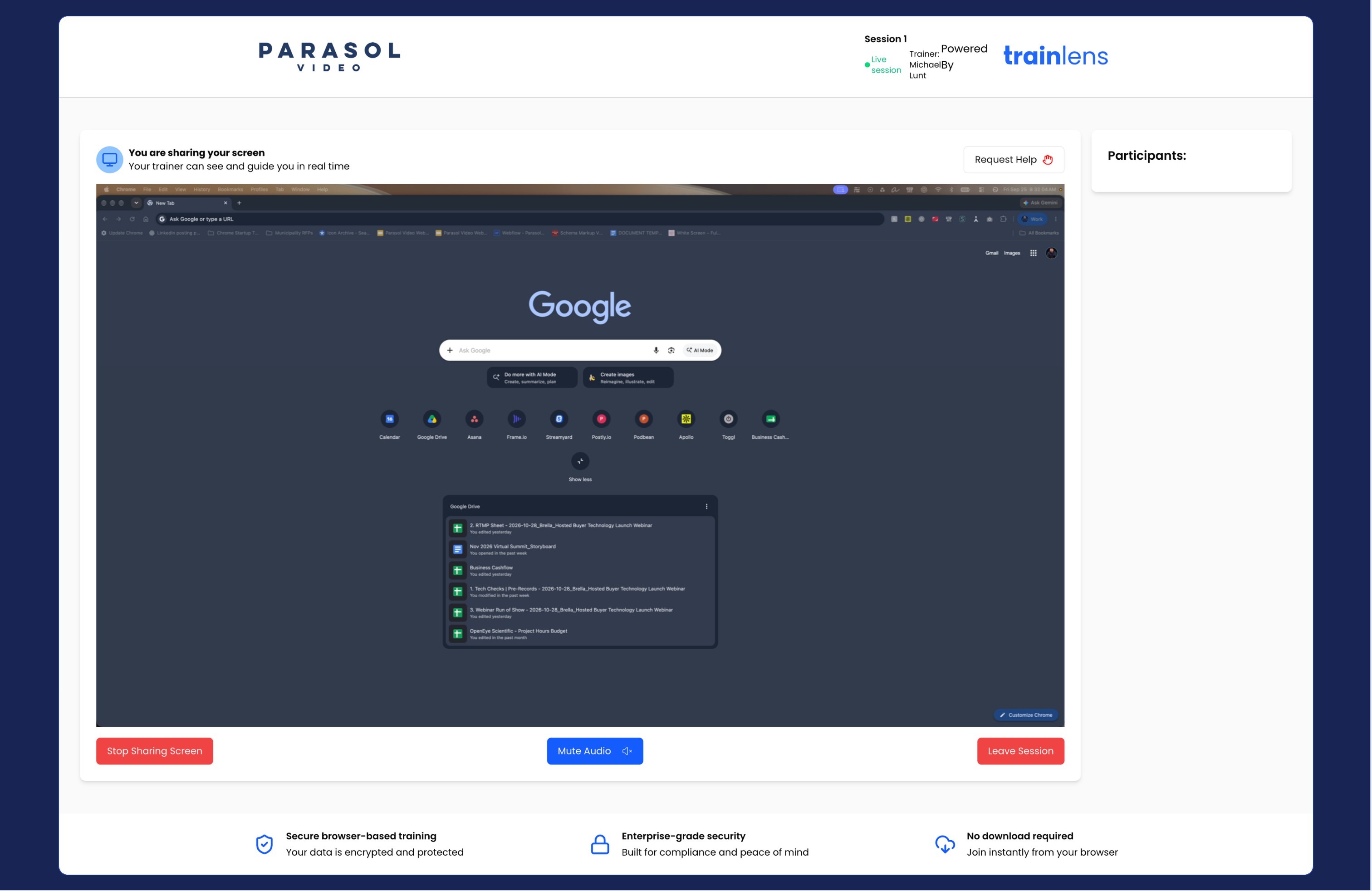
If you only need to show one training application or browser tab, sharing that specific item can reduce the chance of unrelated content appearing.
If your exercise requires switching between several applications, your trainer may ask you to share your entire screen instead. Check that unrelated information is closed before doing so.
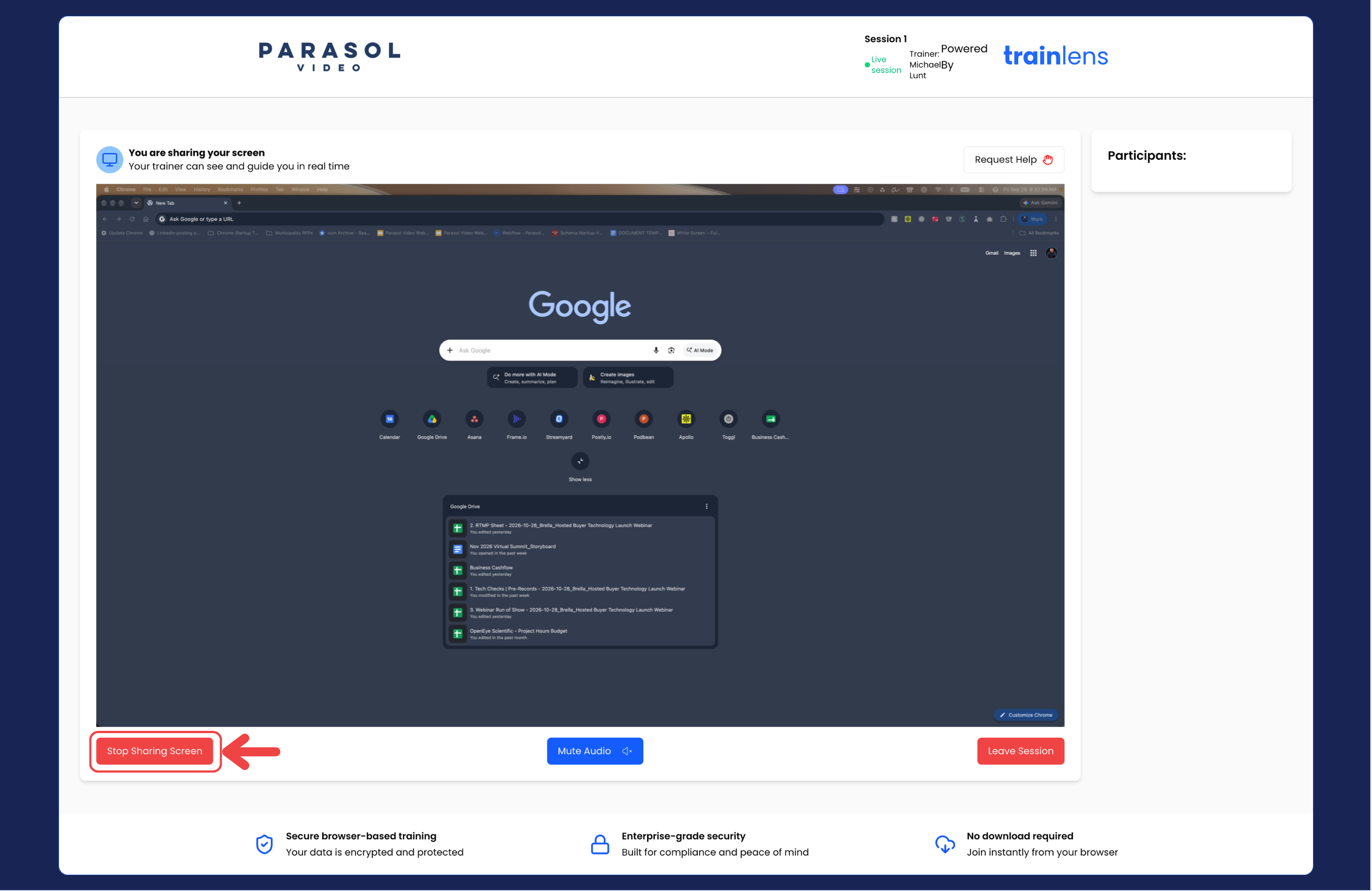
Return to Share and stop sharing your screen if you need the full sharing procedure.
Contact us anytime at
contact@trainlens.com