
Create a new Train Lens training session and confirm that the session is ready for details, resources and trainee invitations.
Sign in to your trainer account and decide what the session will be used for. Have a clear session name and the basic training details ready before you begin.
If this is your first live session, consider completing a practice session before inviting trainees.
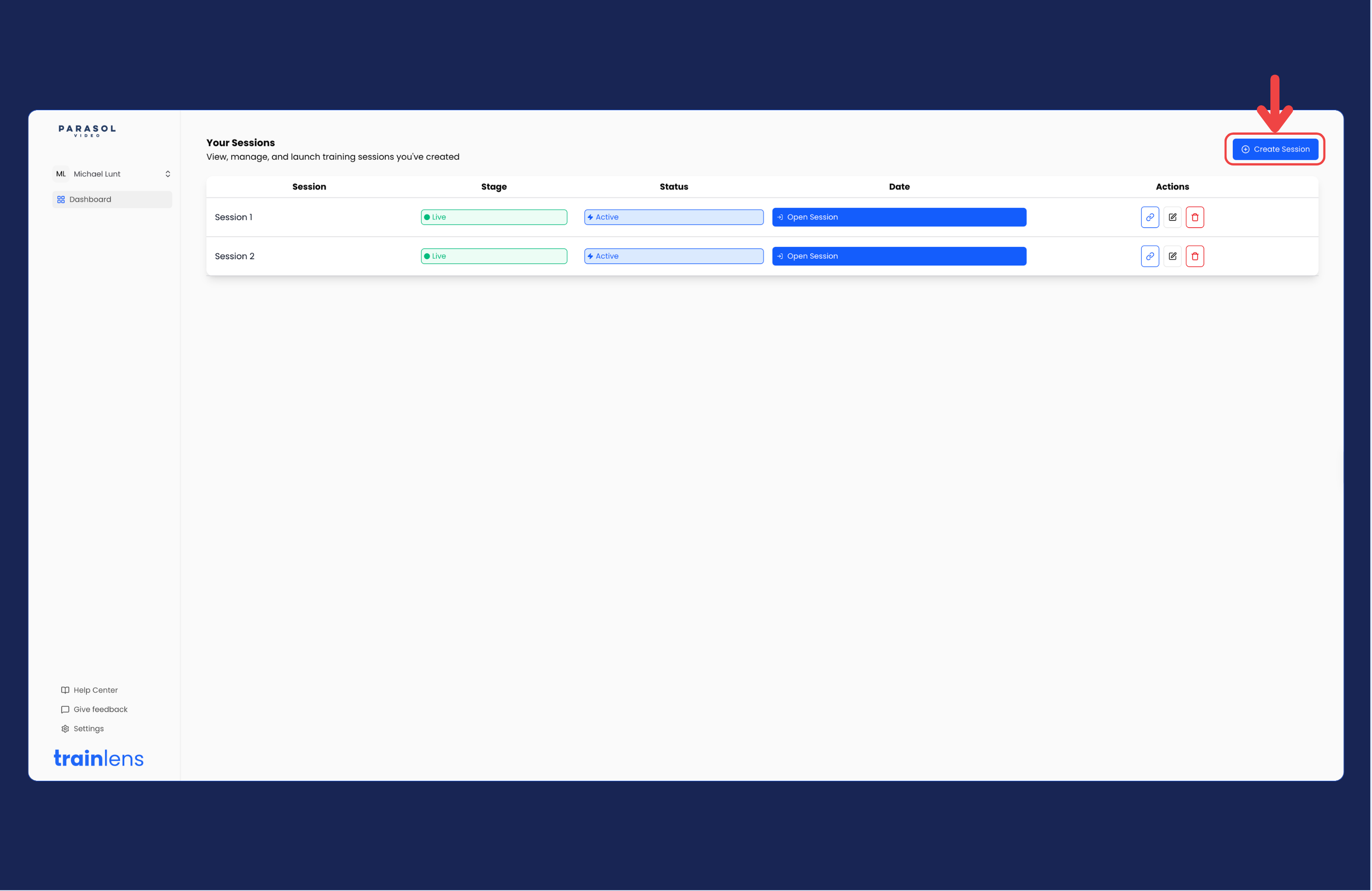
If you do not see the new session, return to the dashboard and check the session list before creating another one.
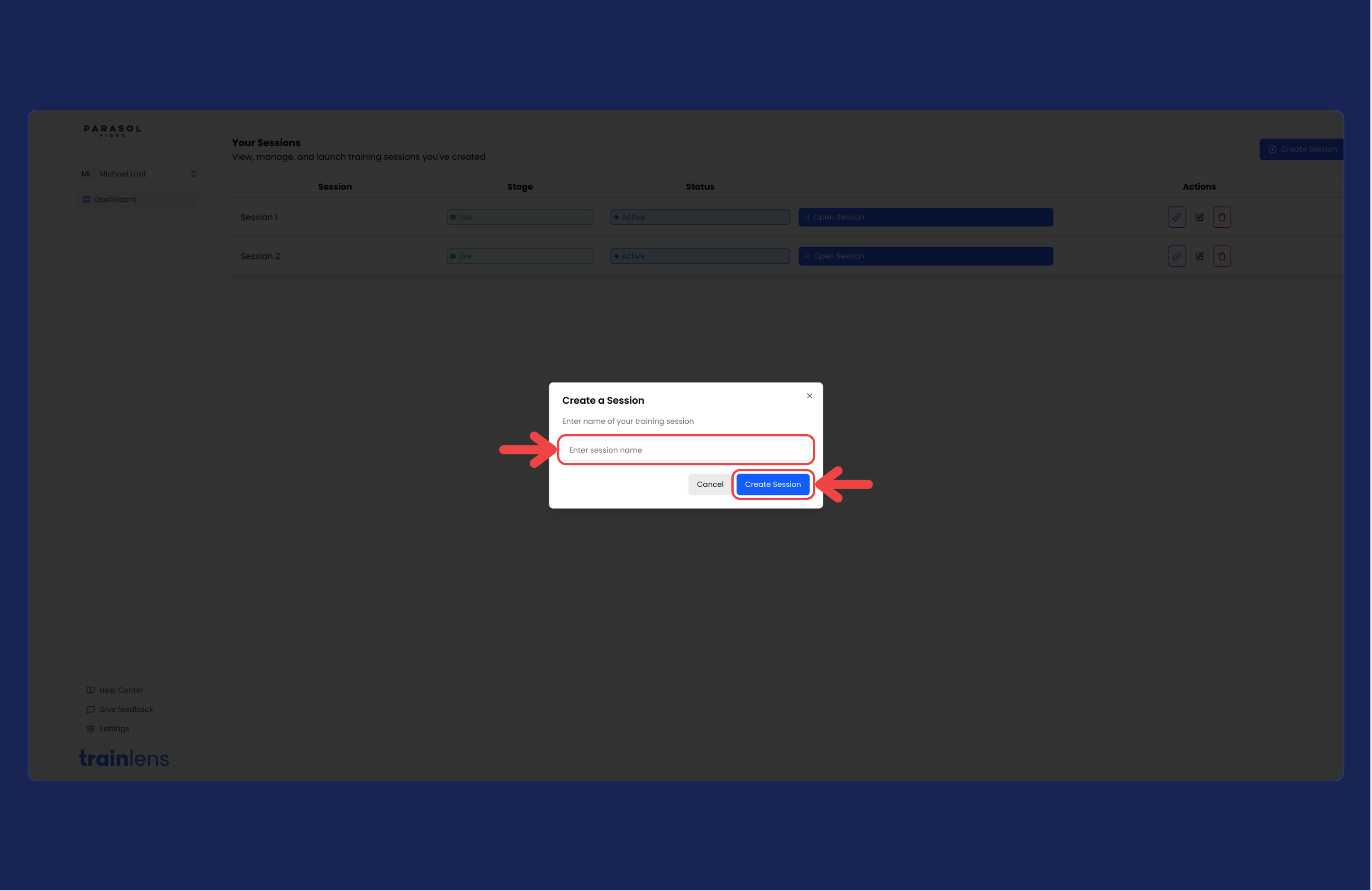
Before sending the joining link, add the remaining session information and any resources your trainees will need. Check the session carefully so trainees receive the correct information.
Continue with Invite trainees to a session.
Contact us anytime at
contact@trainlens.com