
Find and share the correct Train Lens joining information so trainees can enter the right training session.
Open the session you plan to use and confirm that it's correctly named.
Only copy and send the joining link from the session you want the trainees to enter.
You can find the join link from three locations in Train Lens:
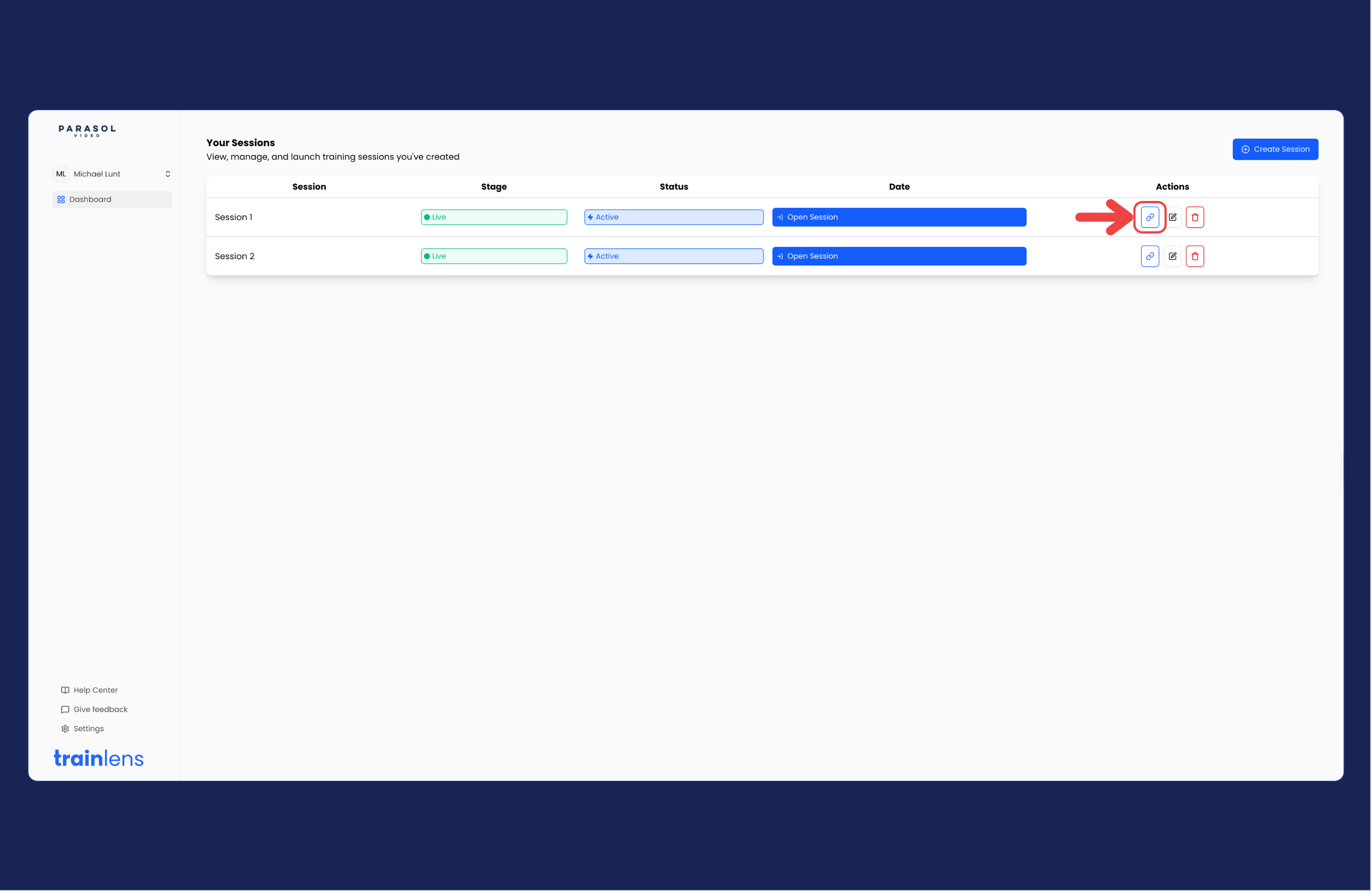
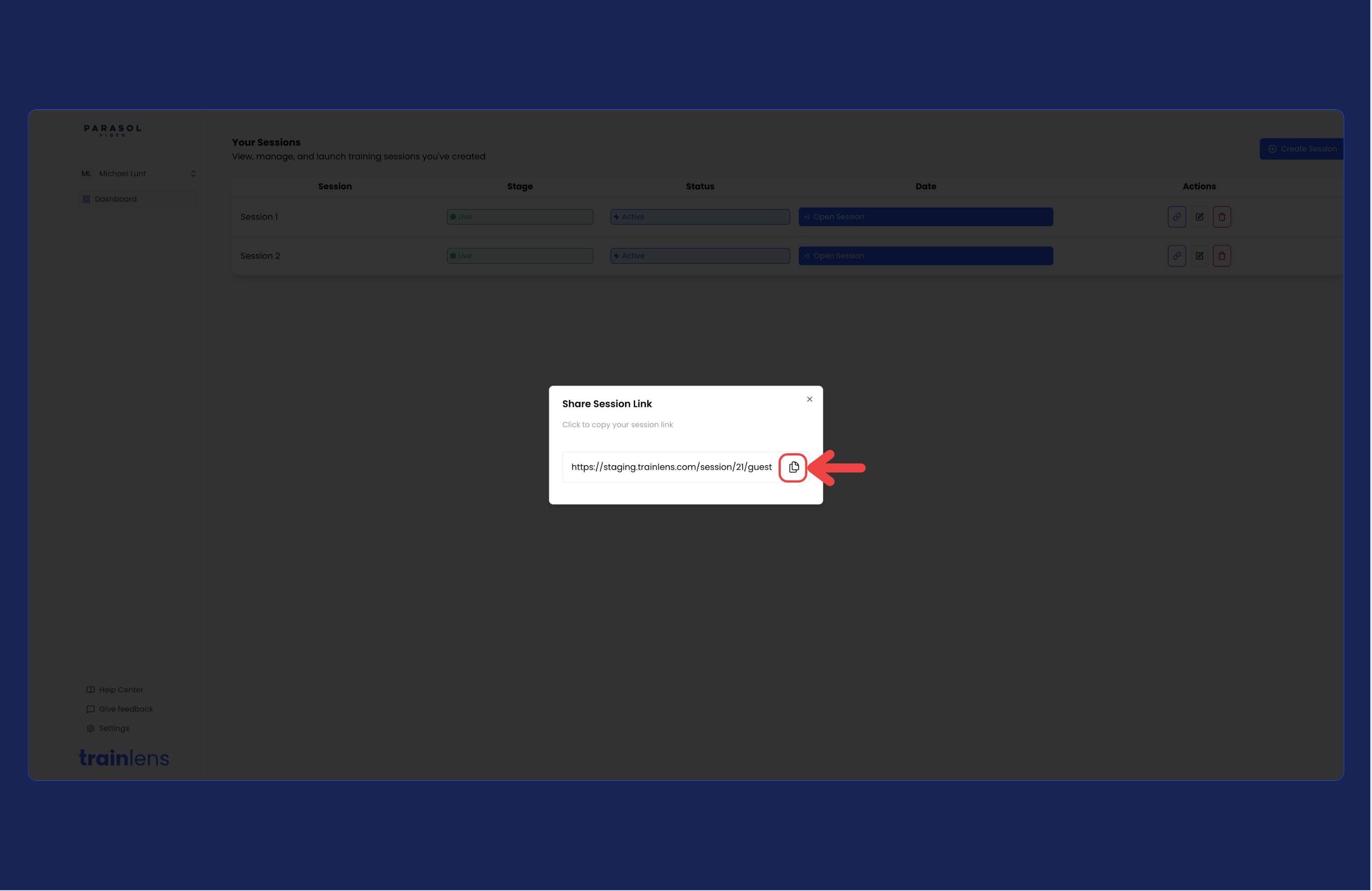
Go to the action buttons on the far right of a session row and click the link icon, the joining link will pop up, ready for you to copy
Click on the Open Session button to enter a training session. When the page loads, the join link will pop-up ready for you to copy.
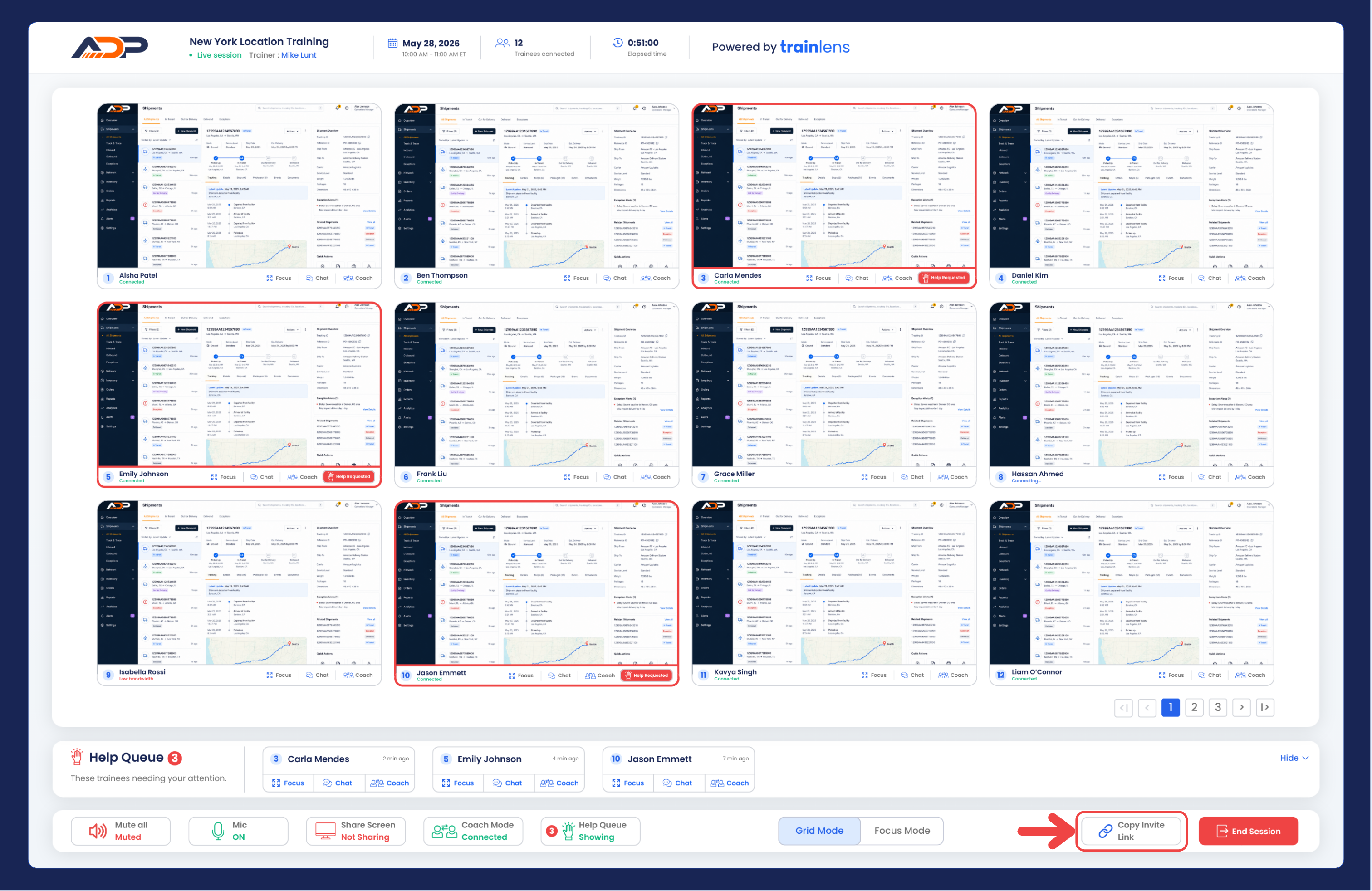
When in a training session, click the Copy session link button at any time to display the join link for the session.
When you have successfully copied the join link, you can paste it into any number of text-based communication tools, such as Slack, Teams, or email.
Include enough information for trainees to identify the session and prepare before joining. Your message should normally include:
Also explain that trainees choose when and what to share on their screen and can stop sharing at any time.
This check helps prevent trainees from receiving an incorrect or incomplete link.
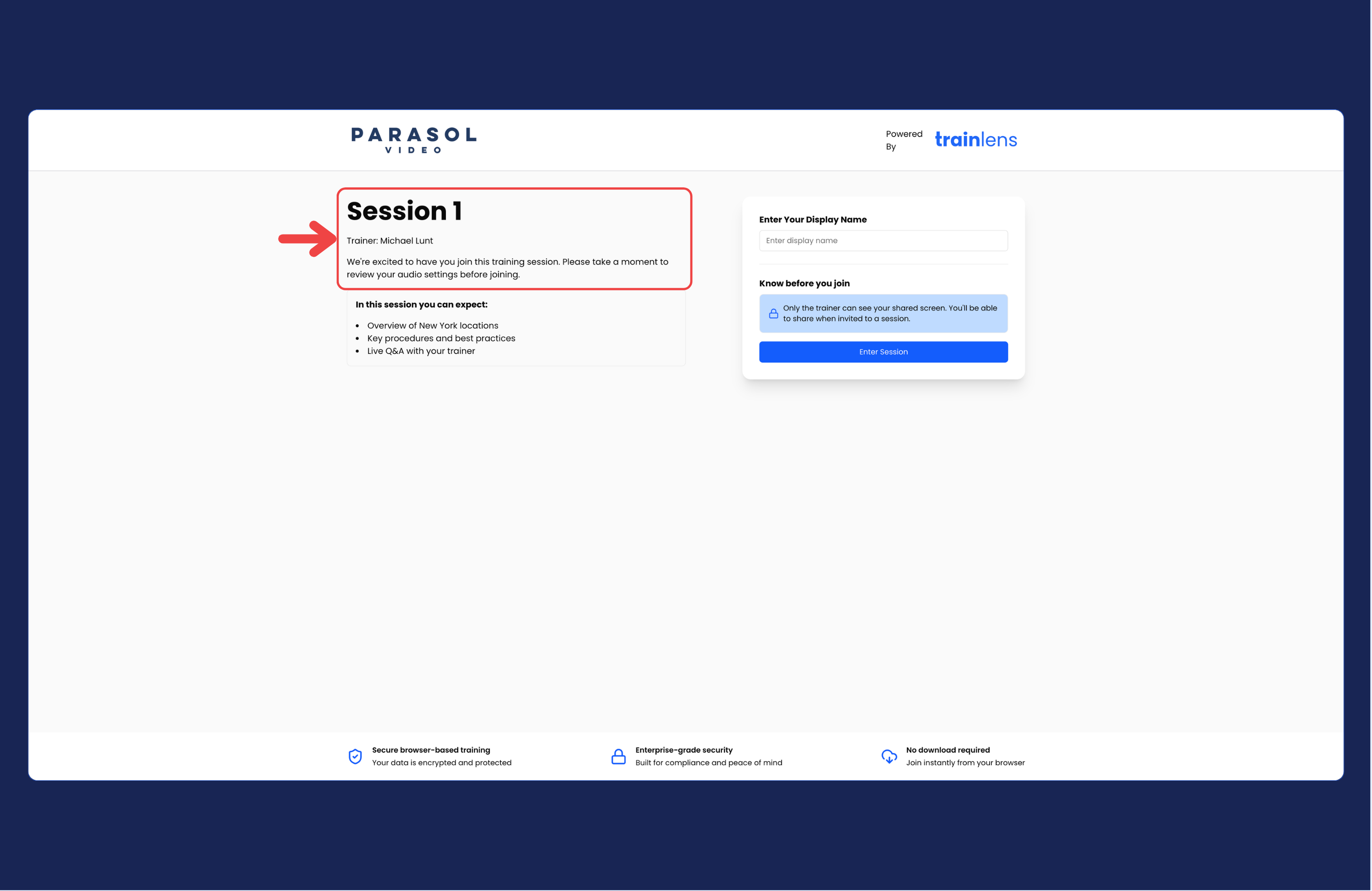
Before training begins, continue with Open and begin a training session.
Contact us anytime at
contact@trainlens.com