
Open the correct Train Lens session, check that trainees are ready and begin the live training session using the current trainer controls.
Sign in early enough to check the session and resolve simple problems before trainees need you.
Have the software you are teaching, your training materials and any demonstration files ready.
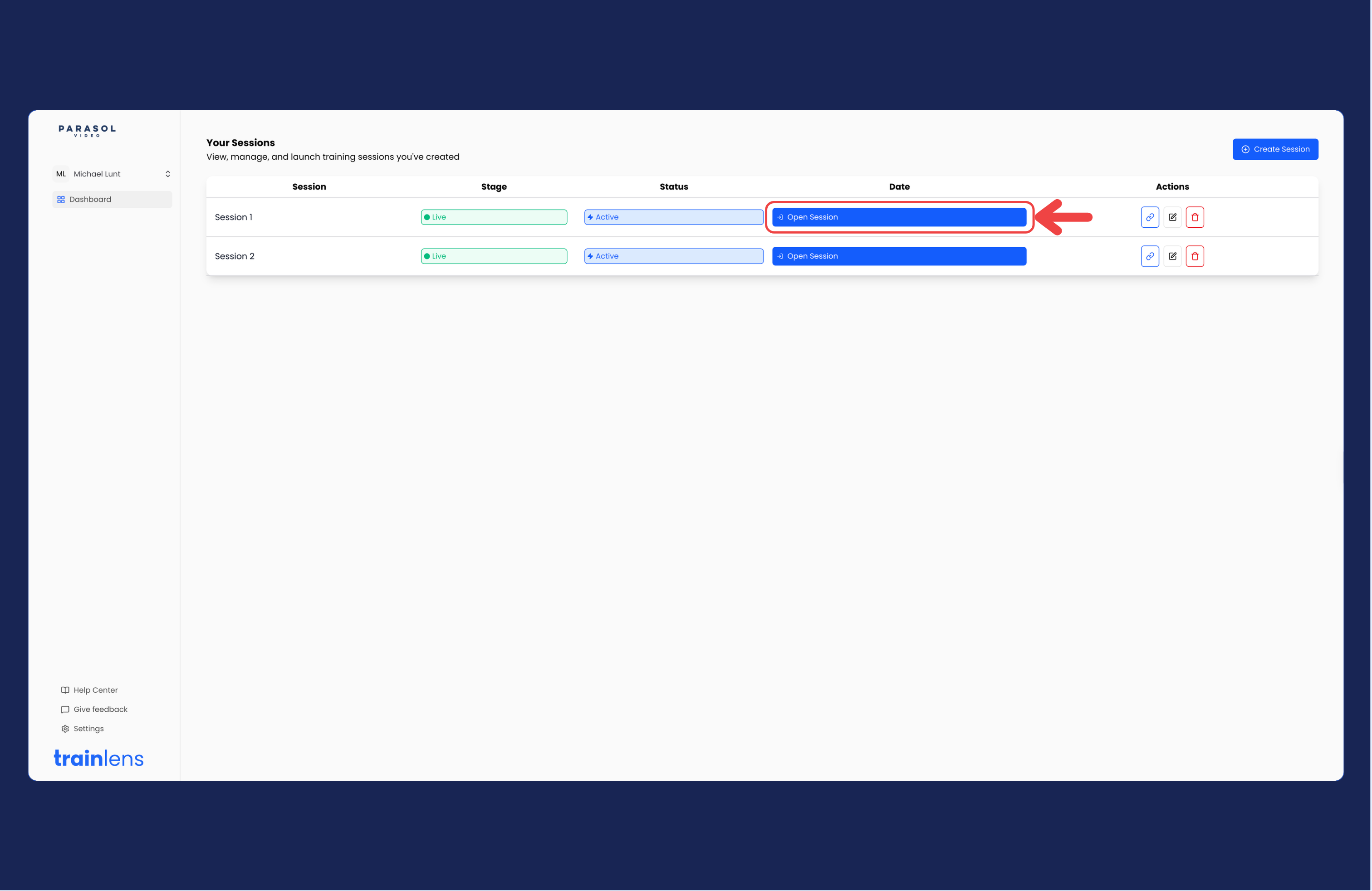
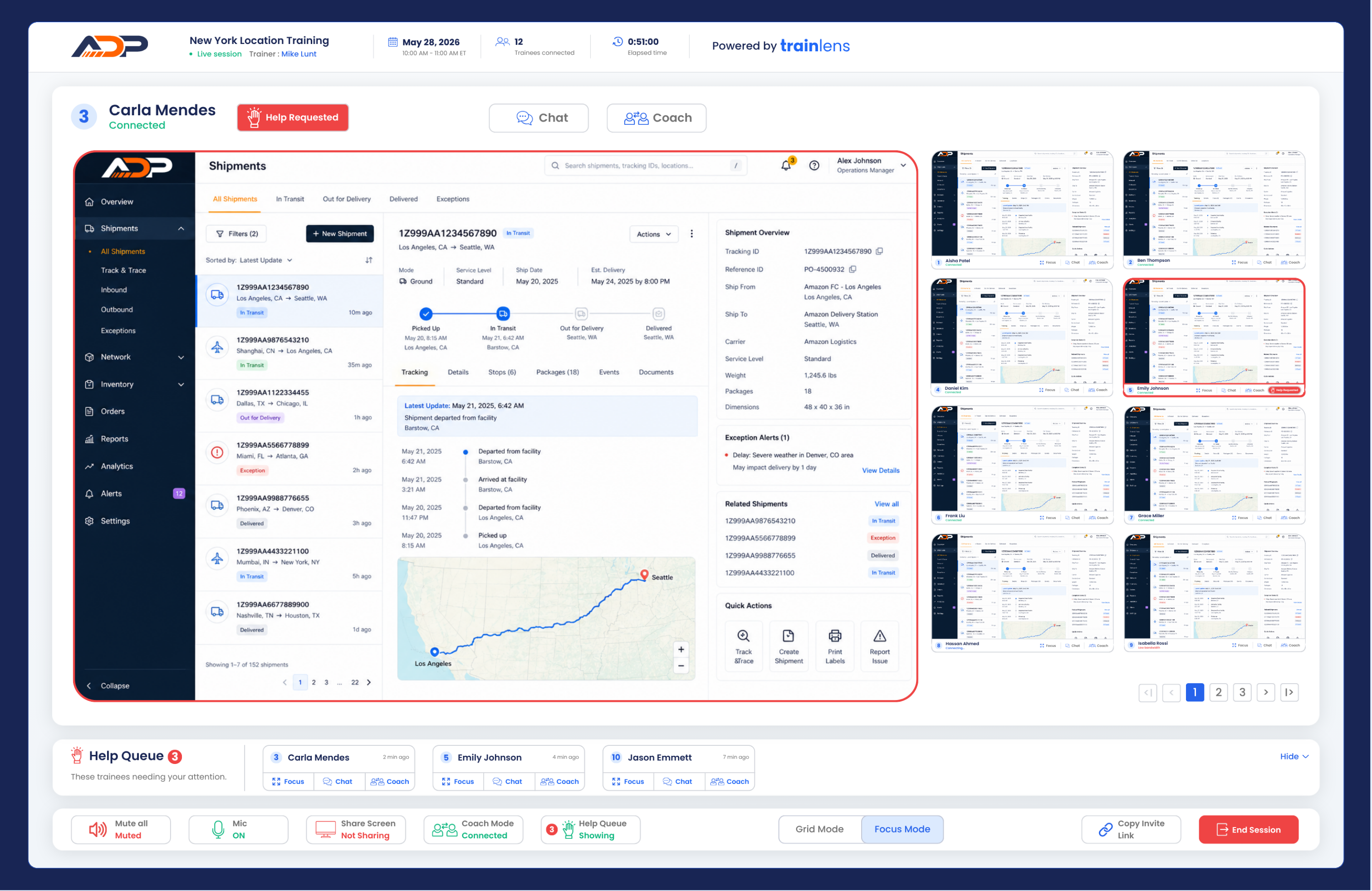
Begin the live session
Tell trainees when they should share their screens and remind them to share only the screen, window or tab needed for the exercise. Explain how you want them to use help requests during the session.
Continue with View trainee screens together once trainees have begun sharing.
Contact us anytime at
contact@trainlens.com