
Learn how to identify yourself on the Train Lens joining screen so your trainer can recognize you during the session.
Your name helps the trainer identify you during the live session, including when viewing shared screens or responding to a help request.
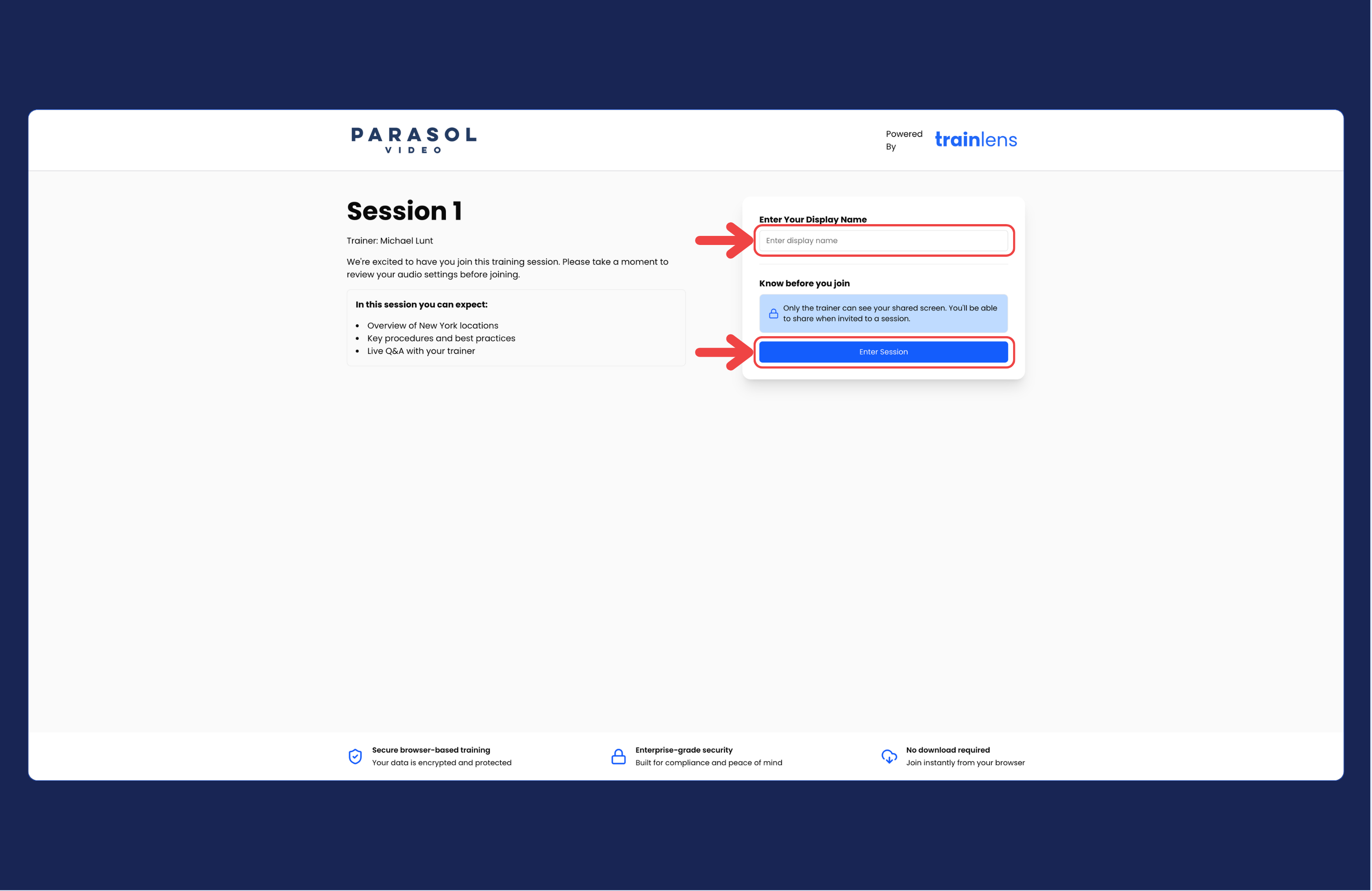
Read any message shown on the joining screen and check the name you entered. Remove accidental spaces or unsupported characters if instructed to do so.
You will not be able to enter the Train Lens session without entering a name.
If you still cannot continue, tell your trainer what appears on the screen.
After entering the session, continue with Share and stop sharing your screen when your trainer asks you to share.
Contact us anytime at
contact@trainlens.com