
Open a closer view of one trainee's shared screen so you can understand their progress and provide more targeted guidance.
Use an individual trainee view when you need to inspect a shared screen more closely or understand where that trainee is stuck.
Remember that the trainee remains in control of what is being shared. Focusing the view does not give the trainer control of the trainee's computer.
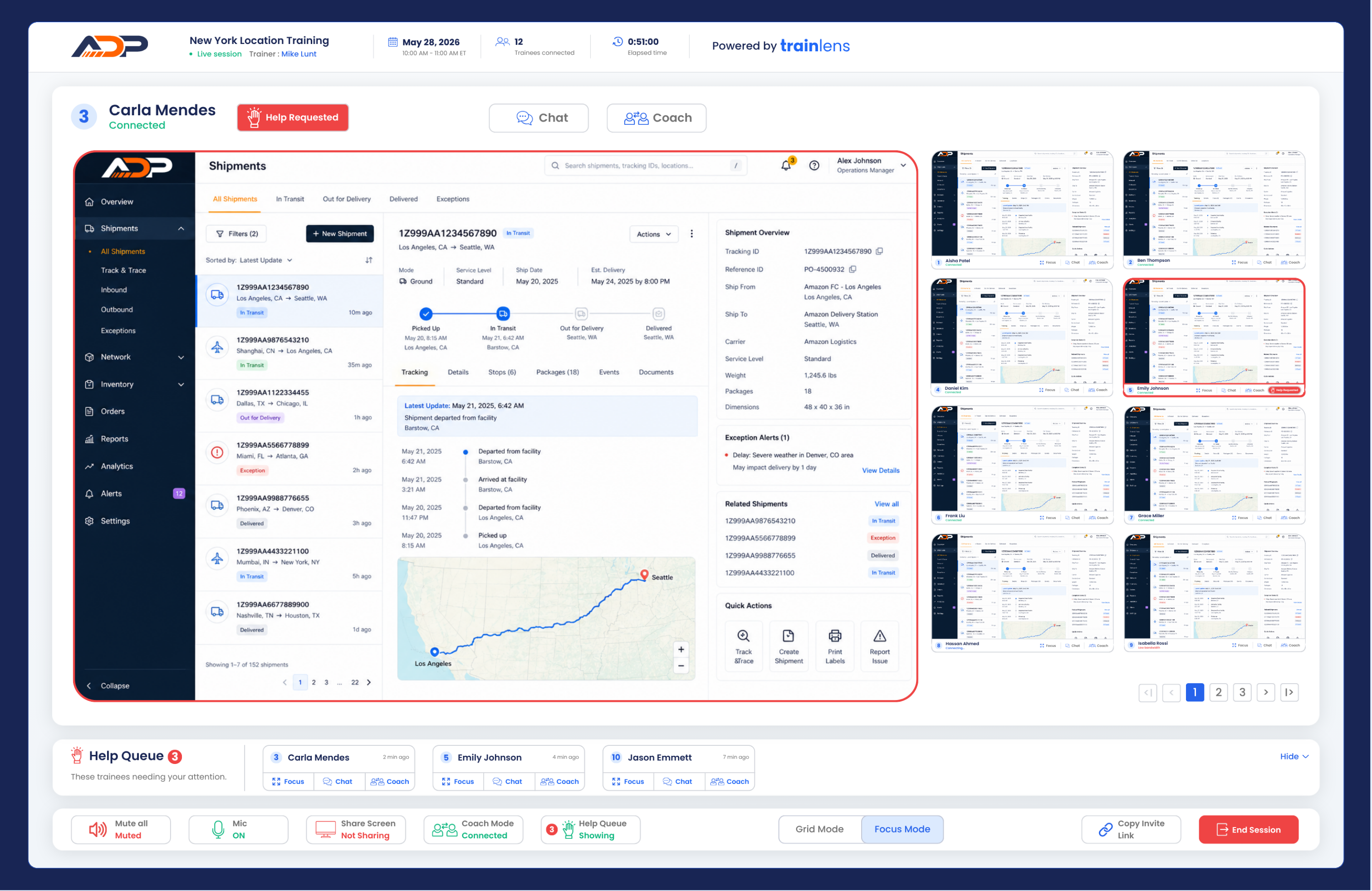
Ask the trainee to describe what they are trying to do and what happened. Use the focused view of their shared content to guide them through the next step.
If the trainee shared the wrong screen, window or tab, ask them to change what they are sharing rather than trying to infer what is happening elsewhere on their computer.
Continue with Respond to a trainee help request to learn how to handle an explicit request for assistance.
Contact us anytime at
contact@trainlens.com